Aulora
- Free
- Education
- Flagship
- 5 styles
- WordPress 7.0+
- PHP 7.4+
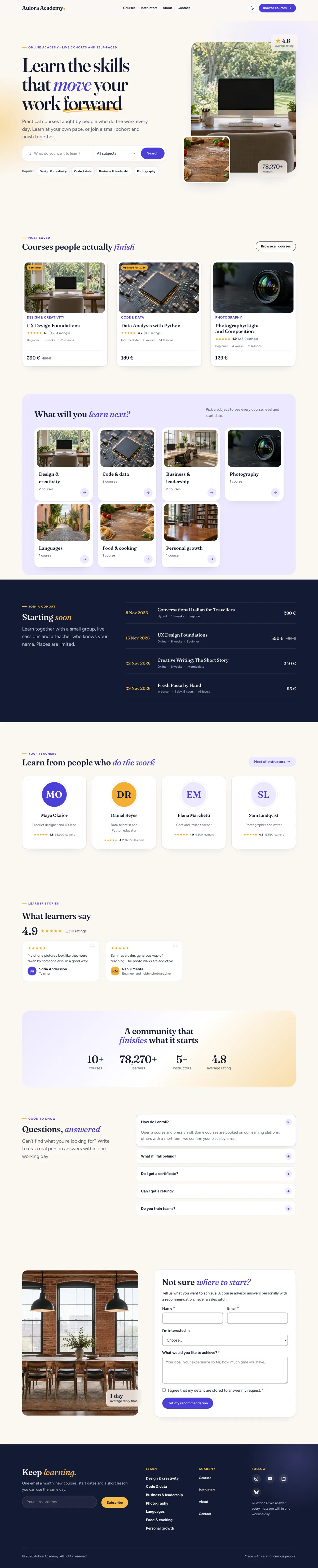

Scroll inside the preview
Overview
A bright, confident theme for online academies and course creators: a searchable course catalog, rich course pages and instructor profiles.
Aulora turns WordPress into the website of an online academy, a training company or a teacher with courses to sell. Warm paper, ink and indigo, Fraunces headlines with a marigold stroke, and every page a learner needs:
- Courses with price and sale price, level, duration, format (online, in person, hybrid), schedule, language, certificate, a curriculum of sections and lessons with free preview videos, what you'll learn, requirements, what's included, questions, learner reviews, start dates with seats left, a gallery, the venue on a map and the course trailer.
- A course page with an ink hero, section links, the curriculum accordion, instructors, dates, reviews and a sticky enroll card: the button goes to your course platform, adds a WooCommerce product to the cart, or opens an enrollment request, inquiry or waitlist form.
- A course catalog with search and filters (subject, level, format, free or paid, language) and sorting, on the catalog, subject and level pages and on any page you like.
- Instructor profiles with title, numbers, expertise, credentials, links and their courses (a monogram when there is no photo).
- Forms without plugins: enrollment requests, inquiries, waitlists, course advice, contact and newsletter forms. Messages are stored in wp-admin → Messages and emailed to you, with spam protection.
- 60+ patterns: heroes (search, video, course spotlight, centered, latest article), course grids, learning paths, comparisons, start dates, subjects, instructors, reviews, numbers, galleries, video, forms, a journal, and full About, Contact, Campus life, Free lessons and course launch pages.
- Demo content in one click: Appearance → Import demo creates ten courses, five instructors, subjects, levels, the home, About and Contact pages and the menu, and removes them again.
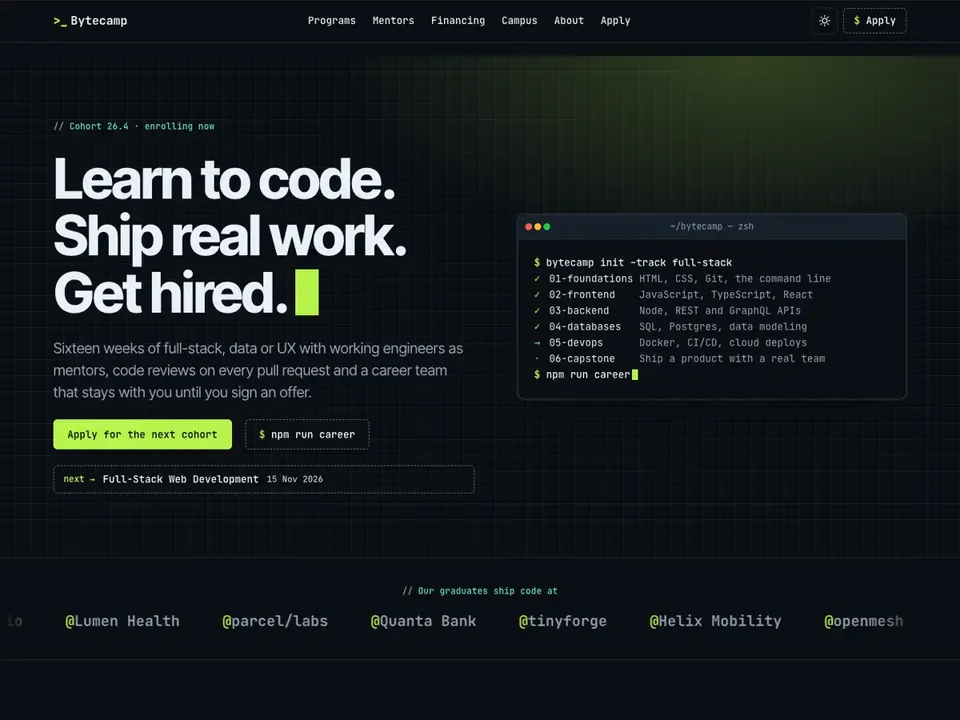
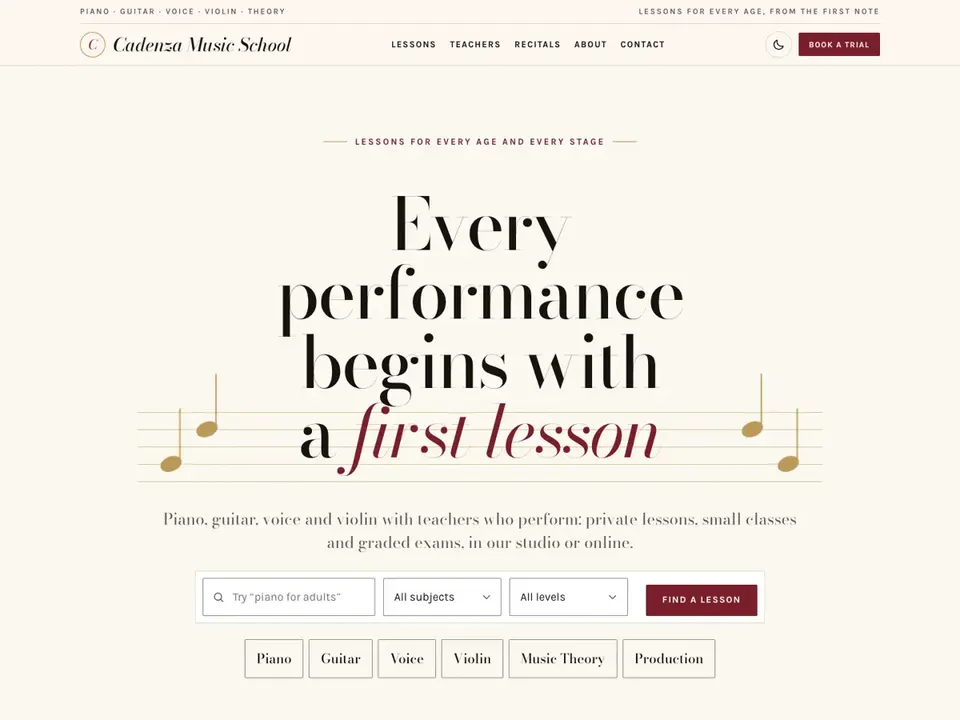
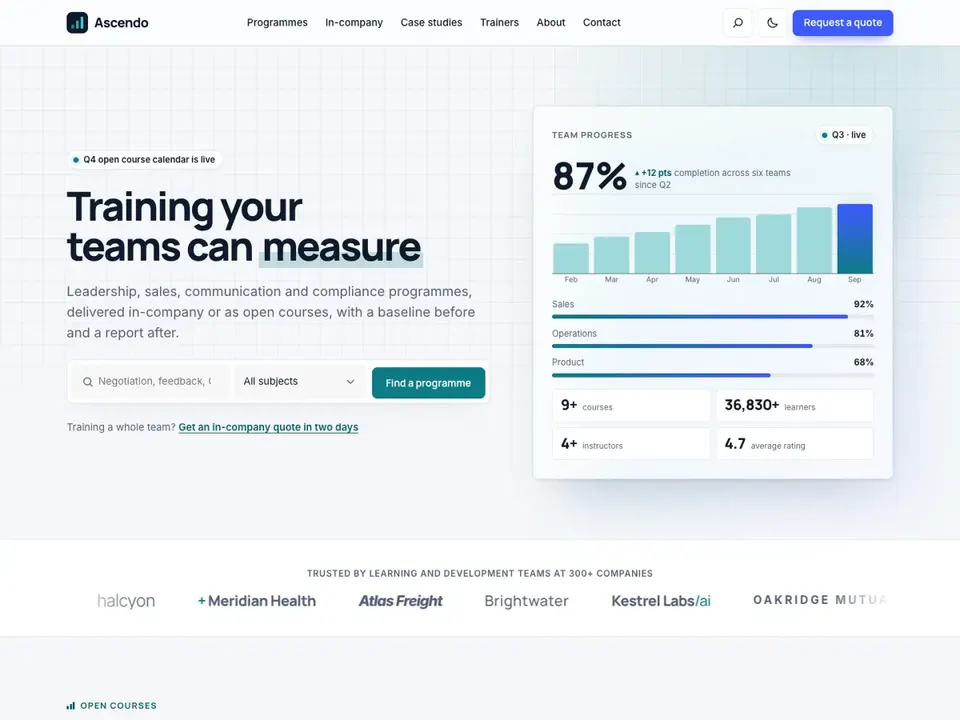
- Light and dark schemes with a switch, four style variations (Night, Sage, Coral, Modern sans), tasteful animations that respect reduced motion, structured data for search engines, fast and accessible.
Course details are stored with the free Secure Custom Fields plugin: Aulora offers to install it with one click. Everything else is built in.
Questions
Do I need any plugins?
Only Secure Custom Fields (free, by WordPress.org) for the course and instructor details; the theme installs it for you with one click. WooCommerce is optional: link a course to a product and the Enroll button adds it to the cart.
How do I add a course?
Courses → Add course. Write the description in the editor, set the course image, and fill in the Course details below: price, schedule, curriculum, start dates, instructors, reviews. Subjects and levels are in the sidebar. The trailer is the Featured video panel in the sidebar.
Where does the Enroll button go?
To the course's Enroll link (your learning platform or checkout), else to its WooCommerce product, else to the enrollment request form on the course page. With "Waitlist", "Coming soon" or "Closed" (or when every start date is full) it opens the waitlist form.
Where do form messages go?
To wp-admin → Messages, and by email to the site's admin address. Change the recipients under Messages → Settings, per form in the form block's settings, or for all course inquiries under Courses → Settings.
How do I change the currency?
Courses → Settings: symbol, position, decimals and the currency code. With WooCommerce, its currency is used until you set one.
How do I show courses on a page?
Insert a Query Loop variation from the "Courses" block category (Course catalog, Featured courses, Upcoming courses, Related courses…) or one of the Aulora: Courses patterns. Add the Course Filters block above a Course catalog loop and set "Show the results: on this page".
How does dark mode work?
The switch in the header follows the visitor's system setting until they choose; the choice is remembered. The Night style variation makes the site dark for everyone.
Can I turn off the animations?
They switch off automatically for visitors who prefer reduced motion. In the editor, remove the motion classes in the block's Motion panel.
All versions
- 1.0.0WordPress 7.0+ · PHP 7.4+ZIP · 2.2 MB
- First release.
SHA-256
b8ac02589f0836e5e0fcba81731717c59f2573539434a7e2573017a0096f7db9
Credits
Aulora WordPress Theme, (C) 2026 Symelo LTD. Aulora is distributed under the terms of the GNU GPL.
Symelo Theme Kit (inc/kit) and the Symelo education foundation (inc/foundation) License: GPLv2 or later (C) 2026 Symelo LTD
Fraunces License: SIL Open Font License 1.1 (assets/fonts/fraunces/OFL.txt) Copyright 2020 The Fraunces Project Authors Source: https://github.com/undercasetype/Fraunces
Figtree License: SIL Open Font License 1.1 (assets/fonts/figtree/OFL.txt) Copyright 2022 The Figtree Project Authors Source: https://github.com/erikdkennedy/figtree
Images from the Symelo placeholder library (https://symelo.com/tools/placeholder-images), (C) 2026 Symelo LTD, distributed with the theme under the GPLv2 or later:
- inc/foundation/demo/images/library.webp: workspace-3
- inc/foundation/demo/images/studio-desk.webp: workspace-5
- inc/foundation/demo/images/team-office.webp: workspace-8
- inc/foundation/demo/images/notebook-lake.webp: workspace-11
- inc/foundation/demo/images/circuit.webp: technology-10
- inc/foundation/demo/images/evening-desk.webp: workspace-12
- inc/foundation/demo/images/camera-lens.webp: technology-7
- inc/foundation/demo/images/pasta-class.webp: food-4
- inc/foundation/demo/images/italian-street.webp: travel-9
- inc/foundation/demo/images/workshop-loft.webp: interiors-6
- assets/videos/library-loop.mp4 and library-loop-poster.webp: made from workspace-3
Icons: Simple Icons (CC0 1.0, https://simpleicons.org/) for the brand icons; the other icons are original, GPLv2 or later.
The "Free lessons" pattern links to sample videos on YouTube (Big Buck Bunny, Sintel and Tears of Steel by the Blender Foundation, CC BY 3.0); they are not bundled and load only after a click. Replace them with your own lessons.