 Flagship
Darkroom
- Free
- Portfolio
- 5 styles
- WordPress 7.0+
- PHP 7.4+
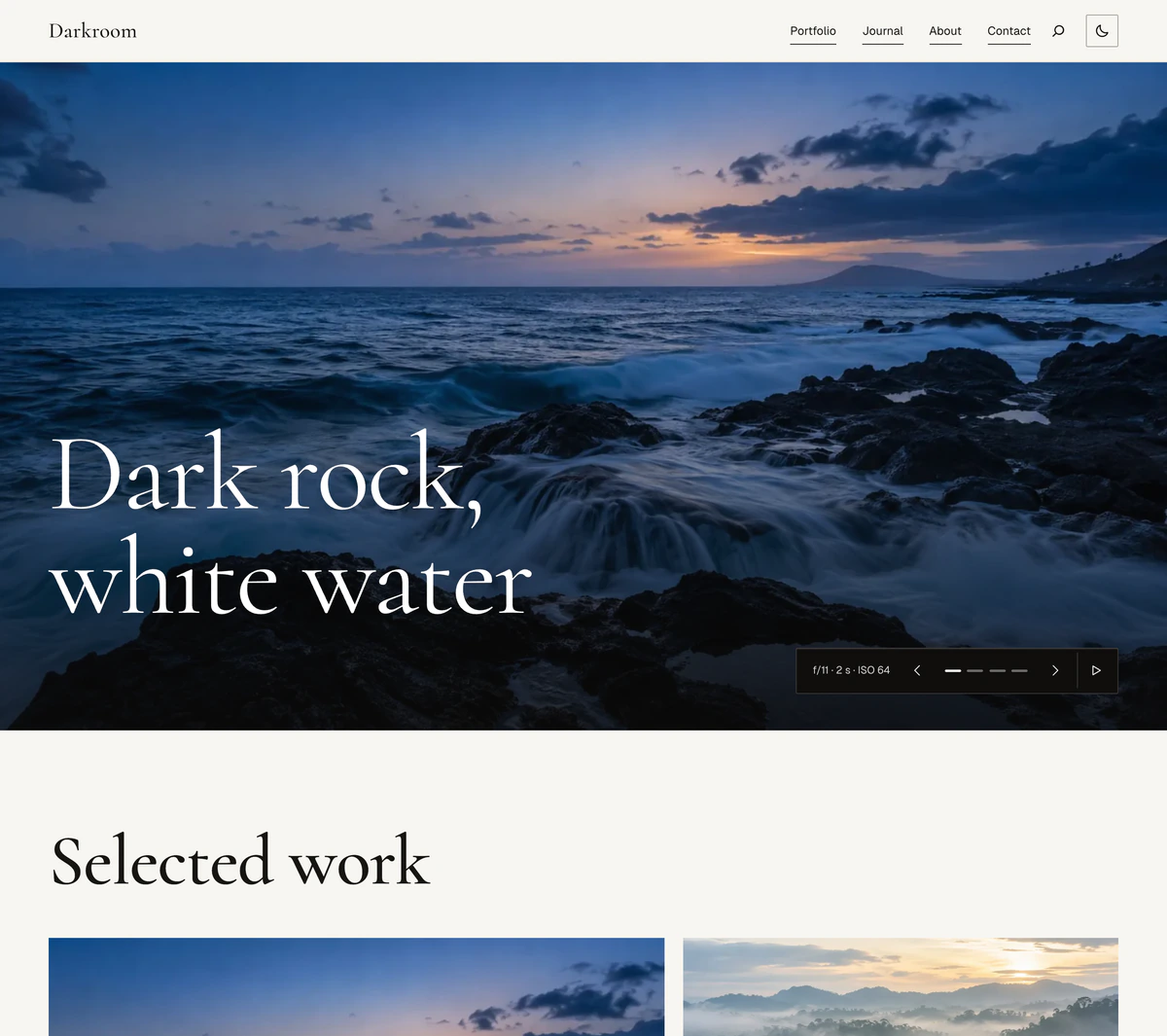
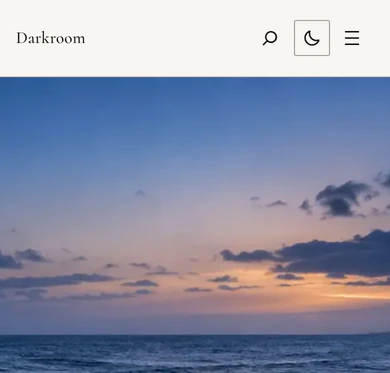
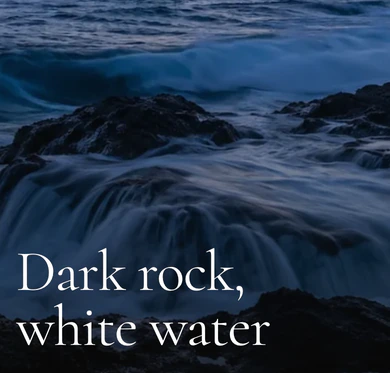
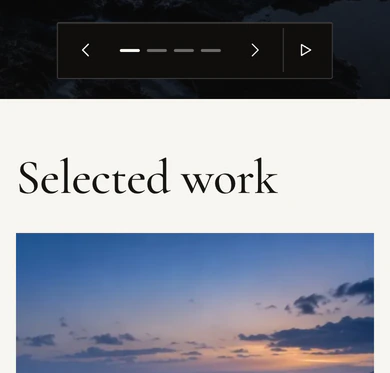
Scroll inside the preview
Overview
A quiet, gallery-first block theme for photographers, visual artists, portfolios and photo journals.
Darkroom is a refined frame for photography. The interface recedes so the pictures lead: museum-white pages, near-black ink, hairline rules and generous space, with a Darkroom mode in deep charcoal and a faint safelight glow on focus and hover.
Everything is built in. You don't need any plugin for:
- Galleries and lightbox: Masonry and Carousel gallery styles, plus Darkroom's own Contact sheet (a tight grid on a dark sheet), Film strip (a horizontal scroller) and an edge-to-edge grid pattern. Images that link to their file open a slideshow lightbox with captions, swipe and keyboard support.
- Photographic details: an EXIF caption style for paragraphs (f/2.8 · 1/250 s · ISO 200), plain Film frame and Matted print image styles, a Plate group style (solid dark) for captions over photographs, Specs and Ruled index list styles, a slow-zoom Cover style.
- Heroes: a full-screen slideshow (crossfade, captions, previous / pause / next, keyboard and swipe; autoplay stops as soon as the visitor takes over and never runs for reduced motion), a split hero with stacked parallax prints, a typographic hero with floating photographs, a video reel hero and a featured-story hero.
- Forms: booking requests (session type, preferred date, location), contact and newsletter forms. Submissions are stored under Messages in the dashboard and emailed to you.
- Video: a featured video for posts (YouTube, Vimeo or a video file, loaded only after a click), play badges with durations, a video reel hero and video sections.
- Reading: reading progress, a table of contents for long stories, share links without third-party scripts, previous / next posts with their photographs, related work.
- Motion: clip-path wipe reveals, staggered grids, parallax, hover captions; all of it switched off for visitors who prefer reduced motion.
- Light and dark: a light/dark switch in the header that remembers the visitor's choice, and five style variations: Gallery, Darkroom, Sepia, Contrast and Cyanotype.
Templates: blog home (slideshow, selected work, journal, about, booking), single post (tall full-bleed featured image with a caption plate), page, archive (masonry wall with titles on hover), search, 404, plus the custom templates Full-bleed gallery, Project (case study), Landing page and Wide content.
The demo content (Appearance → Import demo) installs a photographer's journal: thirteen posts in photography, architecture, interiors, street, black-and-white and notes categories with the theme's own photographs, and the Portfolio, About and Contact pages.
More than forty patterns in ten categories, including full pages for About, Contact and booking, Portfolio, Project, Films and a Landing page.
Questions
Where do form submissions go?
Every booking request, contact message and newsletter signup is saved under Messages in the dashboard and emailed to the site's administration email address. To send them somewhere else, open Messages → Settings and enter one or more recipients, or select a form block and set its own recipients in the block settings. Make sure your site can send email (most hosts need an SMTP plugin or service for reliable delivery).
How do I add a featured video to a post?
In the post editor, open the document settings and find the Featured video panel. Paste a YouTube or Vimeo link, or choose a video file from the media library, and optionally its duration. The single post template plays it below the featured image, and post grids show a play badge on the featured image.
How does the home page slideshow work?
The slideshow is a group of Cover blocks. Edit the photographs and captions in the Site Editor (Templates → Blog home), add or remove slides by duplicating or deleting a Cover. Without JavaScript, and for visitors who prefer reduced motion, it shows the first photograph without autoplay.
Which posts appear under "Selected work"?
Posts with a featured image in the Gallery or Image format, or in a category with the slug photography, portfolio, work or projects. While fewer than three such posts exist, the latest posts with a featured image are shown instead. Developers can change the categories with the darkroom_work_categories filter.
Can I turn the animations off?
They switch off automatically for visitors who ask their device for reduced motion. To remove an animation from a block, select it and clear the effect in the Motion panel (or remove the sk-… class under Advanced → Additional CSS classes).
How does dark mode work?
The moon / sun button in the header switches between a light and a dark palette and remembers the choice in the visitor's browser. Every style variation has its own partner: Gallery and Darkroom swap with each other, Sepia has a warm sepia night, Contrast a pure black version and Cyanotype a pale cyanotype paper. A light variation (Gallery, Sepia, Contrast) opens in light; a dark one (Darkroom, Cyanotype) opens in dark. Pick the variation in Appearance → Editor → Styles.
Is the header see-through over photographs?
No. The header is a solid bar on every page; full-screen photographs start right below it.
All versions
- 1.1.0WordPress 7.0+ · PHP 7.4+ZIP · 3.6 MB
- The header is a solid bar on every page; the transparent header, glass plates and blurred controls are gone. The film strip and glass caption heroes and the contact sheet pattern are removed (an edge-to-edge gallery grid replaces them), and film strip and contact sheet stay as optional gallery styles.
- Removed eyebrow labels, descriptions beside section titles, picture frames, numbering, italic accents in headings, uppercase text and weight 300; labels are at least 14px and Geist Mono is dropped.
- New demo content: a photographer's journal with 13 posts in six categories, Portfolio, About and Contact pages and a menu, using the theme's own photographs.
- The slideshow starts paused with plain bars instead of a counter, and captions over photographs are solid bars; post terms sit in the meta row under the title.
- The background reel is a lighter 417 KB file (it was 1.3 MB) and the selected work tiles develop in as they scroll into view.
- Symelo Theme Kit 1.3.1 and the foundation update: one 2px corner radius, all motion behind reduced-motion checks, background videos that load lazily (never on phones or with Save-Data) with a pause button, high priority and correct sizes for the first large image, width and height on theme images.
SHA-256
b409665986c465e486d6e10037891542127fb0d8186c417796793625eb4a63da - 1.0.2WordPress 7.0+ · PHP 7.4+
- Kit: demo import supports variable products; no backdrop blur (Symelo Theme Kit 1.2.2).
- 1.0.1WordPress 7.0+ · PHP 7.4+
- Footer menus list their top-level links only; submenus stay in the header menu (Symelo Theme Kit 1.2.1).
- 1.0.0WordPress 7.0+ · PHP 7.4+
- First release.
Credits
Darkroom WordPress Theme, (C) 2026 Symelo LTD. Darkroom is distributed under the terms of the GNU GPL.
This program is free software: you can redistribute it and/or modify it under the terms of the GNU General Public License as published by the Free Software Foundation, either version 2 of the License, or (at your option) any later version.
This program is distributed in the hope that it will be useful, but WITHOUT ANY WARRANTY; without even the implied warranty of MERCHANTABILITY or FITNESS FOR A PARTICULAR PURPOSE. See the GNU General Public License for more details.
Symelo Theme Kit (inc/kit) License: GPLv2 or later, https://www.gnu.org/licenses/gpl-2.0.html Copyright: (C) 2026 Symelo LTD
Cormorant (assets/fonts/cormorant) License: SIL Open Font License 1.1, https://openfontlicense.org (assets/fonts/cormorant/OFL.txt) Copyright: 2015 The Cormorant Project Authors Source: https://github.com/CatharsisFonts/Cormorant
Geist (assets/fonts/geist) License: SIL Open Font License 1.1, https://openfontlicense.org (OFL.txt in each folder) Copyright: 2024 The Geist Project Authors Source: https://github.com/vercel/geist-font
Photographs (assets/images) from the Symelo placeholder library (https://symelo.com/tools/placeholder-images), (C) 2026 Symelo LTD, distributed with the theme under the GPLv2 or later:
- coast.webp: nature-8 (rocky coast at blue hour)
- canopy.webp: nature-12 (fog over a forest at dawn)
- stair.webp: architecture-3 (concrete spiral staircase)
- dunes.webp: nature-2 (desert dunes at first light)
- arches.webp: architecture-1 (white arches above the sea)
- spiral.webp: architecture-9 (white spiral staircase, looking up)
- archway.webp: interiors-12 (arched hallway with a clay vase)
- lake.webp: nature-1 (mountain lake in morning mist)
Photographs (assets/images) from the WordPress Photo Directory, License: CC0 1.0 Universal, https://creativecommons.org/publicdomain/zero/1.0/
- landscape-05.webp: two people on seaside benches, by Nahuai Badiola, https://wordpress.org/photos/photo/86a213f7ed/
- landscape-07.webp: Tre Cime di Lavaredo with two hikers, by annezazu, https://wordpress.org/photos/photo/75764b188e/
- portrait-01.webp: black-and-white colonnade, Florence, by annezazu, https://wordpress.org/photos/photo/6196a26068/
- portrait-05.webp: man photographing Loch Torridon, by Sadie-Michaela Harris, https://wordpress.org/photos/photo/50965ef428/
- photographer.webp: photographer on a frosty morning, Scotland, by Sadie-Michaela Harris, https://wordpress.org/photos/photo/840659e96e/ The -md files are smaller copies of the same photographs.
Video (assets/video/reel.mp4, assets/video/reel-poster.webp) Made for Darkroom from three CC0 photographs of the WordPress Photo Directory: lone tree in fog by gnude (https://wordpress.org/photos/photo/9516ac831c/), black sand beach, Iceland, by Juan Vargas (https://wordpress.org/photos/photo/93169e510c/) and Tre Cime di Lavaredo by annezazu (https://wordpress.org/photos/photo/75764b188e/); released under CC0 1.0 Universal by Symelo LTD.
More portfolio themes
Browse all 5 themes- Flagship